Write a cover letter that's actually about this job
Paste the job description, pick a resume, and AI drafts a tailored cover letter in your voice — a strong first draft you review and edit, not a form letter.
Free to start · no credit card · sign in to write on app.devfound.ai
Trusted by job seekers who stopped sending the same letter twice




From a job posting to a ready-to-send letter
- 1
Paste the job
Drop in the role, company, and the job description so the AI knows what they're asking for.
- 2
Generate the draft
Pick a source resume and a tone — AI writes a tailored letter connecting your experience to the posting.
- 3
Edit & download
Tweak the wording, regenerate if you want, then download a clean PDF or save it as a draft.
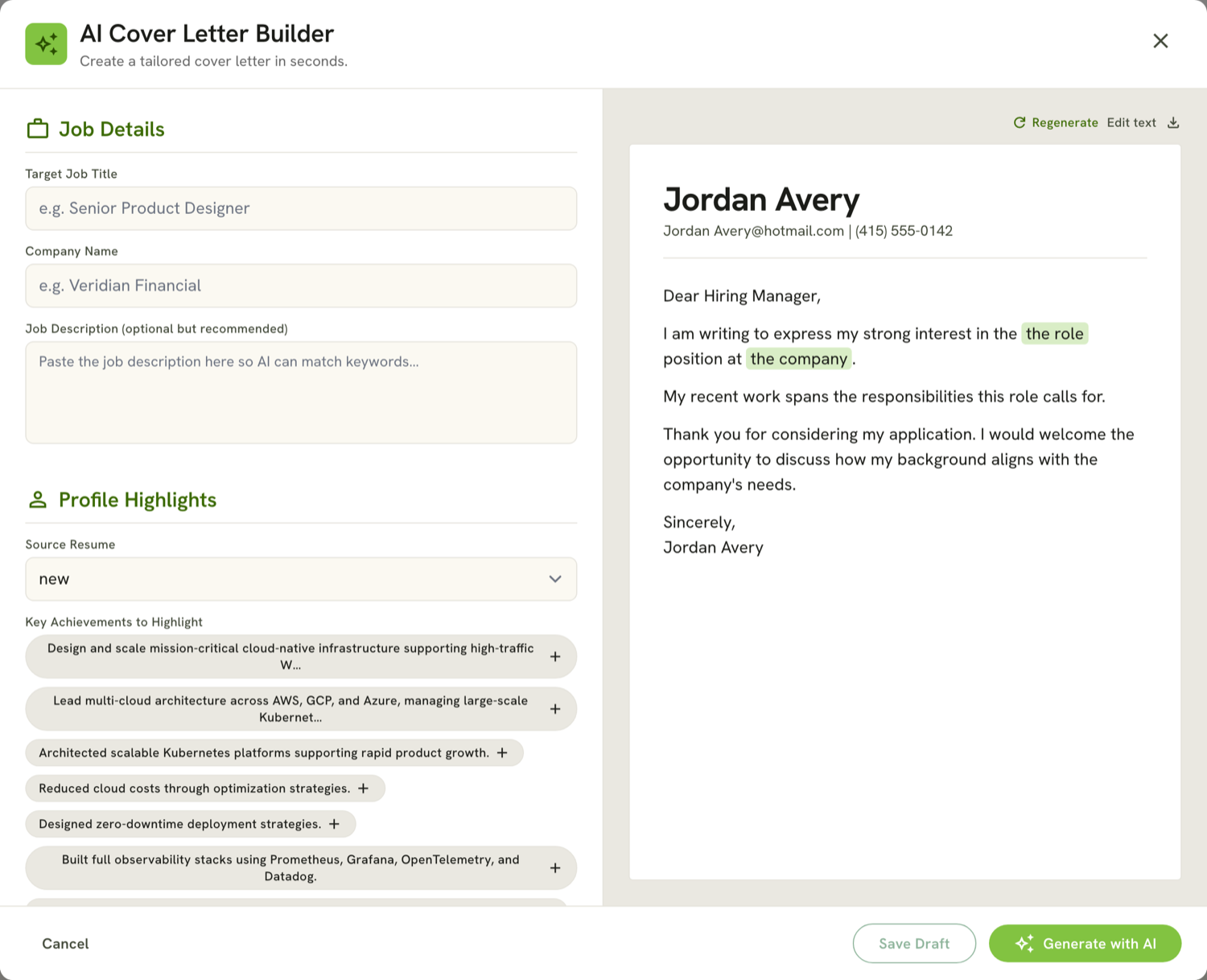
A tailored letter, not a template
AI reads the posting and your resume, then writes an opening that names the role, body paragraphs that connect your real experience to what they're asking for, and a confident close — a first draft you make yours.
- Opening Names the company and role, and why you're a fit — no generic “To whom it may concern.”
- Body Maps your resume's real achievements to the skills and requirements in the posting.
- Close A confident, specific sign-off that invites the next step.
It writes about the job, from your real experience
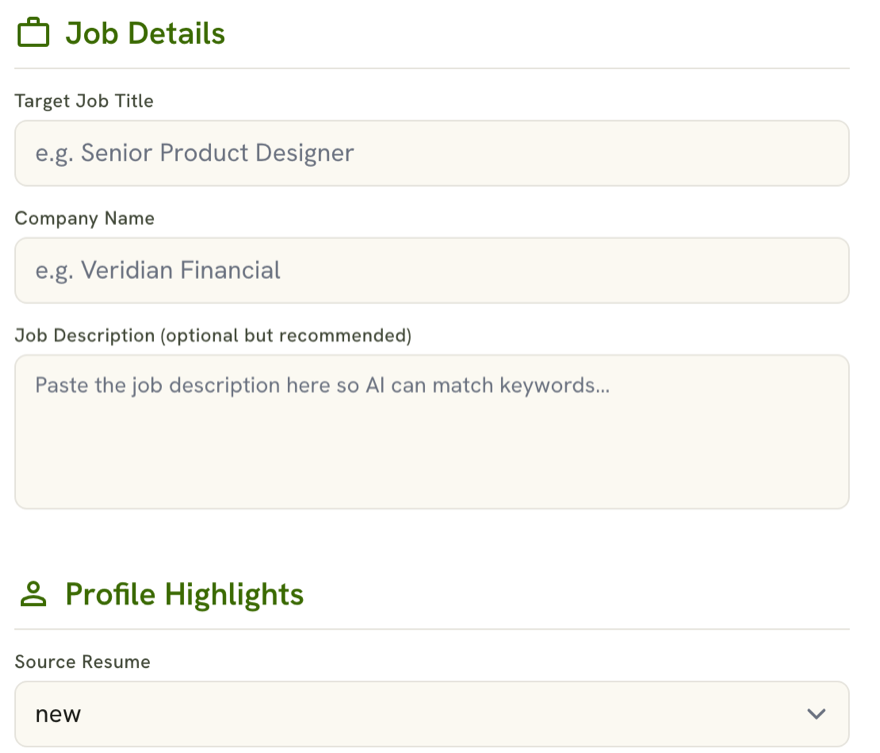
Add the role, company, and job description, then pick a source resume. The AI drafts a letter that's about this posting — not a one-size-fits-all template.
- Job title, company, and job description
- Built from a resume you already have
Match the tone and length to the role
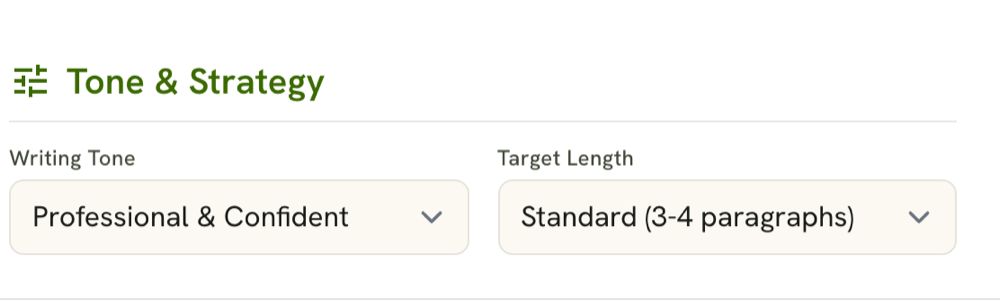
Choose Professional, Enthusiastic, Direct, or Formal, set the length, and regenerate for a fresh take — same facts, different wording — until it sounds like you.
- Four writing tones, three lengths
- Regenerate and switch between versions
Edit it, then download a clean PDF
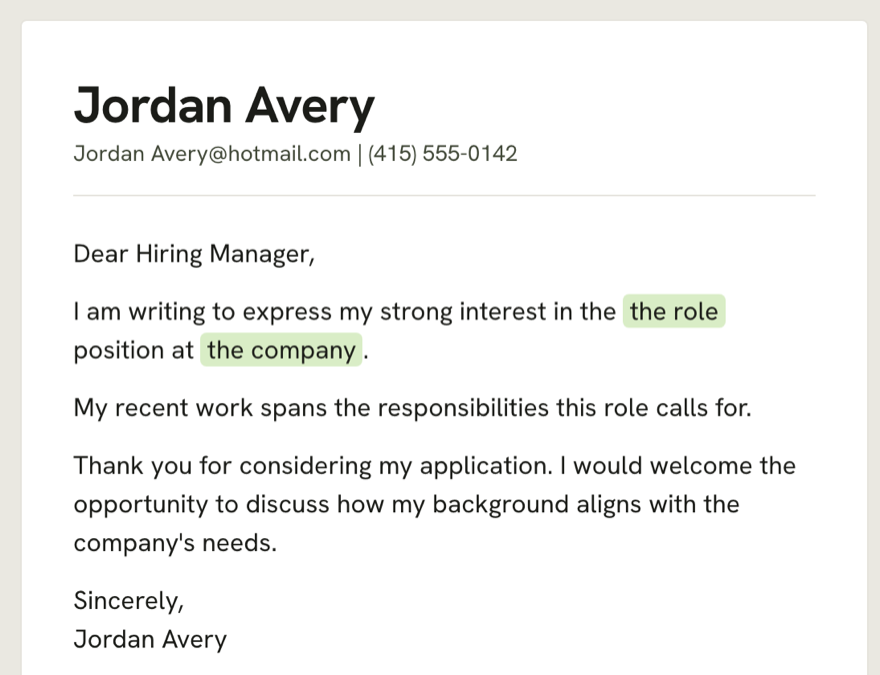
Fine-tune the text inline, save it as a draft you can come back to, and download a polished PDF when it's ready to send.
- Inline editing and saved drafts
- One-click PDF download
Stop starting from a blank page
Instead of a generic “Dear Hiring Manager” you rewrite for every role, start from a tailored draft that already names the company and connects your experience to the posting.
Dear Hiring Manager, I am writing to apply for the position advertised on your website. I believe I would be a good fit…
Dear Veridian team, your Senior Product Designer role is exactly where my work on design systems and 0→1 product can have an impact…
Illustrative — your draft depends on your resume and the posting.
- Names the company and the role
- Connects your achievements to the posting
- Written in the tone you choose
Apply without the dread
Everything you need to send a letter that sounds like you and speaks to the job.
Write my cover letter-
Tailored to the posting
Drafted from the job description and your resume — about this role, not a template.
-
Your tone, your voice
Four tones and three lengths, plus inline editing so it sounds like you.
-
Ready to send
Download a clean PDF or save it as a draft you can come back to.
Built to get a tailored letter out the door
Frequently asked questions
How does it write my cover letter?
You paste the job description and pick one of your resumes; the AI drafts a tailored letter connecting your experience to the posting. It's a strong first draft you review and edit — not a guaranteed result.
Do I need a resume first?
Yes — the cover letter is built from one of your resumes, so create or import a resume first, then generate the letter from it.
Can I change the tone or length?
Yes. Pick Professional, Enthusiastic, Direct, or Formal, set the length, and regenerate for a different take with the same facts.
Can I edit the letter?
Always. Edit the text inline, switch between versions, and save it as a draft before you download.
Can I download it as a PDF?
Yes — download a clean PDF to send, or save the draft to your dashboard to finish later.
Write your next cover letter — free
Free to start · no credit card · sign in to write on app.devfound.ai
Write my cover letter